
Overview
Kumo provides a REST API that allows you to automate and schedule predictive query training and batch predictions. After creating a predictive query in the UI, you can use the API to:- Retrain a query — Re-ingest data from your source and retrain the model, keeping predictions fresh as new data arrives.
- Run batch predictions — Trigger recurring batch predictions (e.g. daily) using an existing predictive query.
- Monitor job status — Check the status of running jobs and view evaluation metrics on completion.
- Cancel jobs — Stop in-progress training or prediction jobs.
Generating an API Key
Kumo’s REST API requires an API key to authenticate requests. To generate one, click the Admin tab in the left sidebar.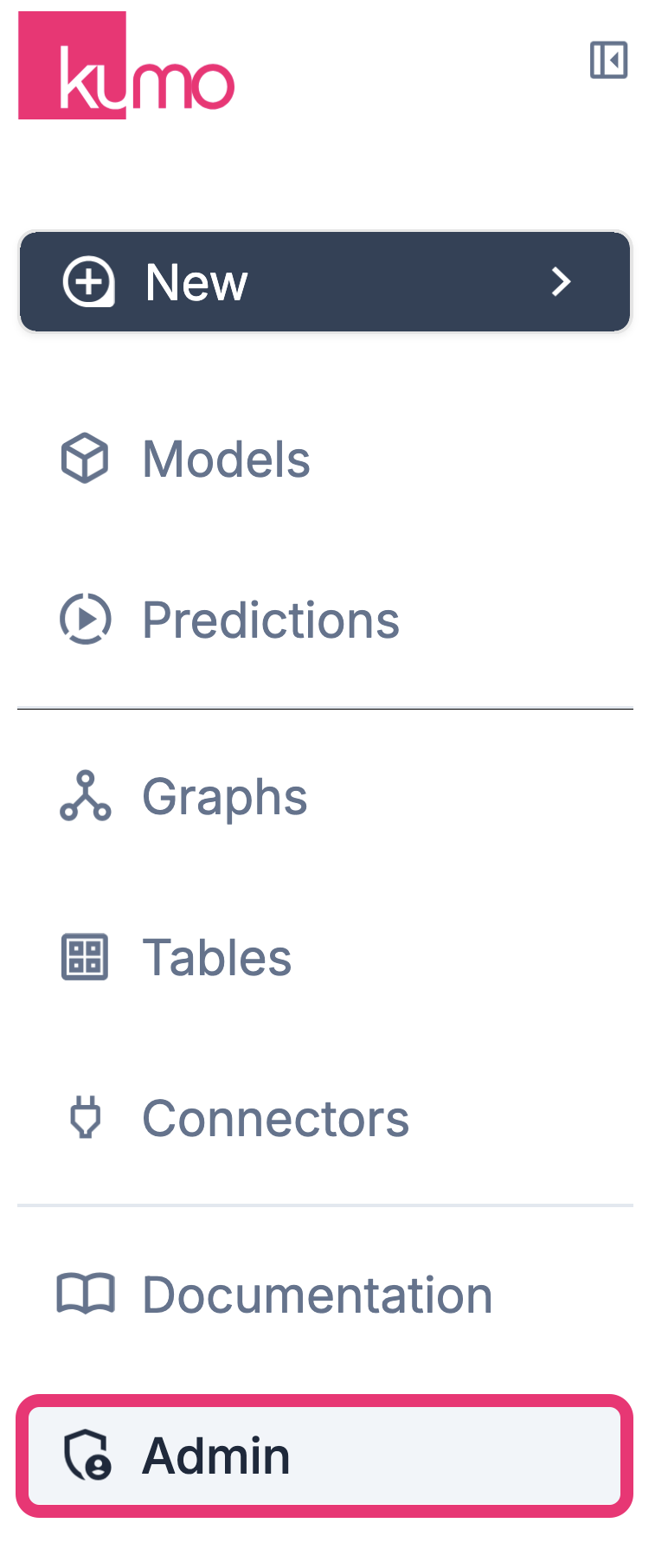
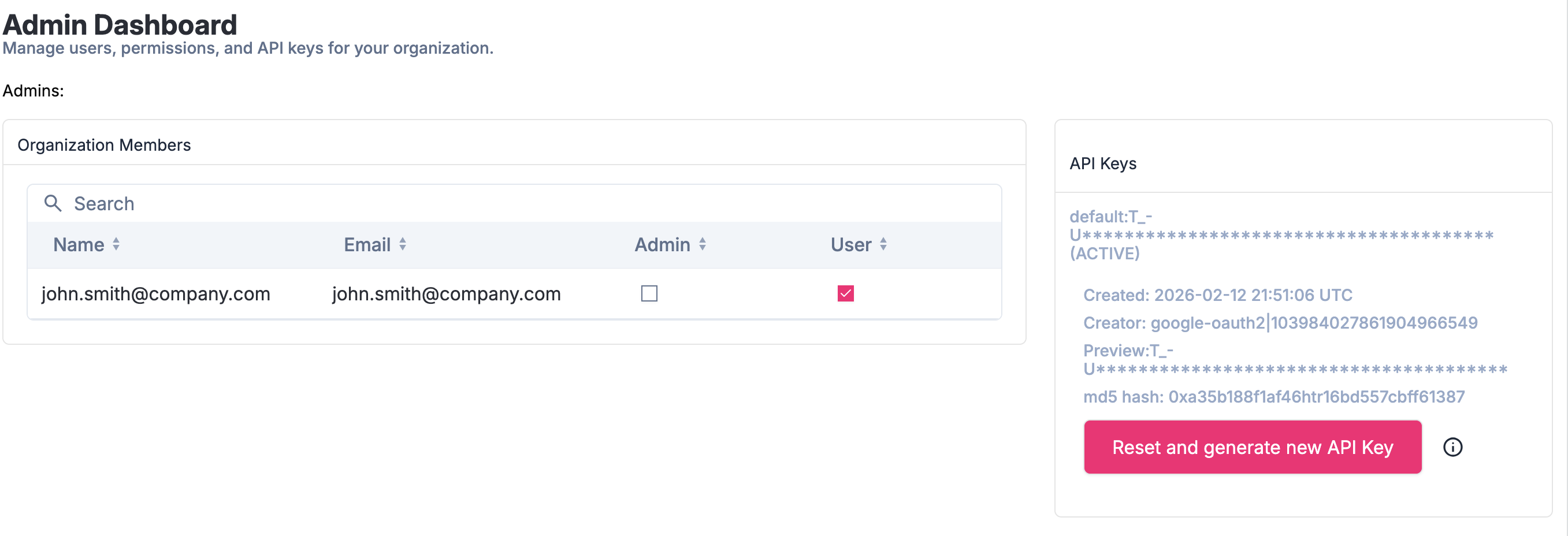
<customer_id>:<secret_value> (e.g. demo:qBX-J36iE8mL0o779j-U).