
Running SDK Outside Snowflake
When running the SDK outside Snowflake, you can initialize it with your Snowflake credentials. Both password-based and key-pair authentication are supported:Running SDK on Snowflake
To run the SDK directly on Snowflake, you’ll need to use a Snowflake notebook configured for Snowpark Container (chooseRun on Container). This setup provides a managed environment for running machine learning workloads.
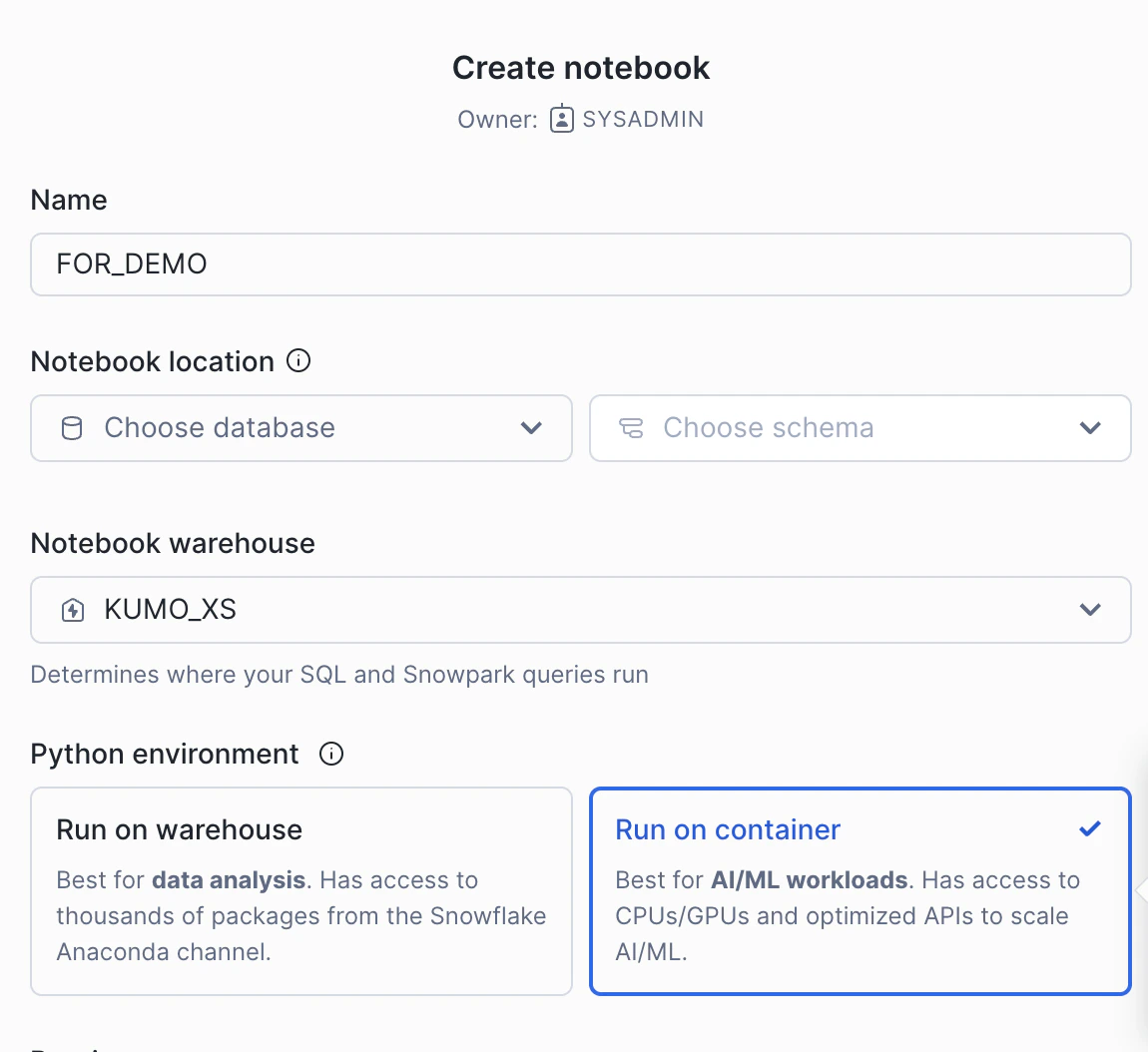
Using External Access
If your notebook environment has external access configured (see External Access Configuration), you can install Kumo SDK directly using pip:Using Package Installation
If external access is not available or not permitted in your environment, follow these steps:- Contact the Kumo team to obtain the SDK package zip file
- Upload the package to your Snowflake stage
- Install the package from the stage
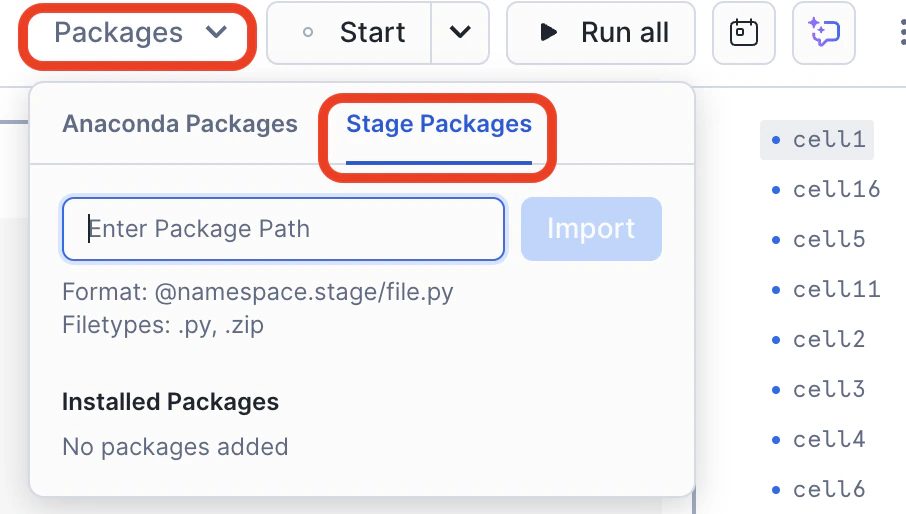
- Sign in to Snowsight
- Select Data » Add Data
- On the Add Data page, select Load files into a Stage
- In the Upload Your Files dialog:
- Select the kumoai.zip file (maximum file size: 250 MB)
- Select the database and schema where you want to create the stage
- Select or create your stage (e.g., ‘kumo_stage’)
- Optionally, specify a path within the stage
- Select Upload
Getting Started
When running in a Snowflake notebook environment, the SDK automatically uses the Snowflake context, eliminating the need for additional credentials. This is different from the normal SDK initialization process, making it simpler to get started:introduction.