> ## Documentation Index
> Fetch the complete documentation index at: https://kumo.ai/docs/llms.txt
> Use this file to discover all available pages before exploring further.
# Understanding Predictive Query
## What is a Predictive Query?
A **Predictive Query** is a **declarative syntax** used to define a predictive modeling task in Kumo. It specifies the target variable to predict and the data context for training.
Kumo uses the **Predictive Query Language (PQL)**, a SQL-like language, to automate all major steps of the ML pipeline, including **feature engineering, generating a training table, and training a model**.
## Creating a Predictive Query
To train a model in Kumo:
1. Navigate to **New > Model** from the side menu.
2. On the **Model Training** page, enter a **Model Name** and optional **Description**.
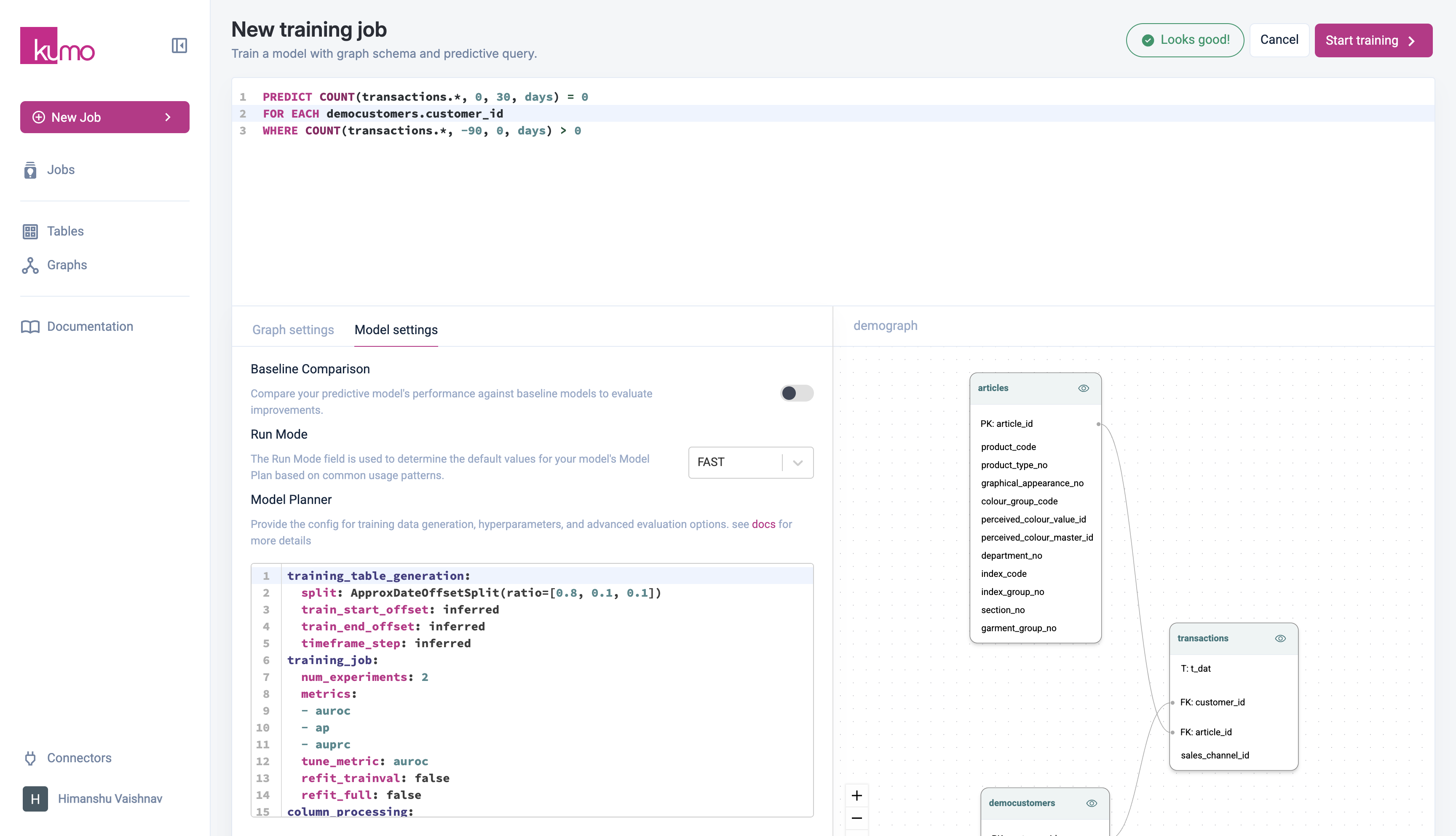
3. Select a **Graph** from your previously created graphs. Once a graph is selected, its structure and linkages appear on the right side for reference.
4. Write your **Predictive Query (PQL)** in the text area.
**Example PQL**
```sql theme={null}
PREDICT COUNT(transactions.*, 0, 30, days) = 0
FOR EACH customers.customer_id
WHERE COUNT(transactions.*, -90, 0, days) > 0
```
 ## Model Settings
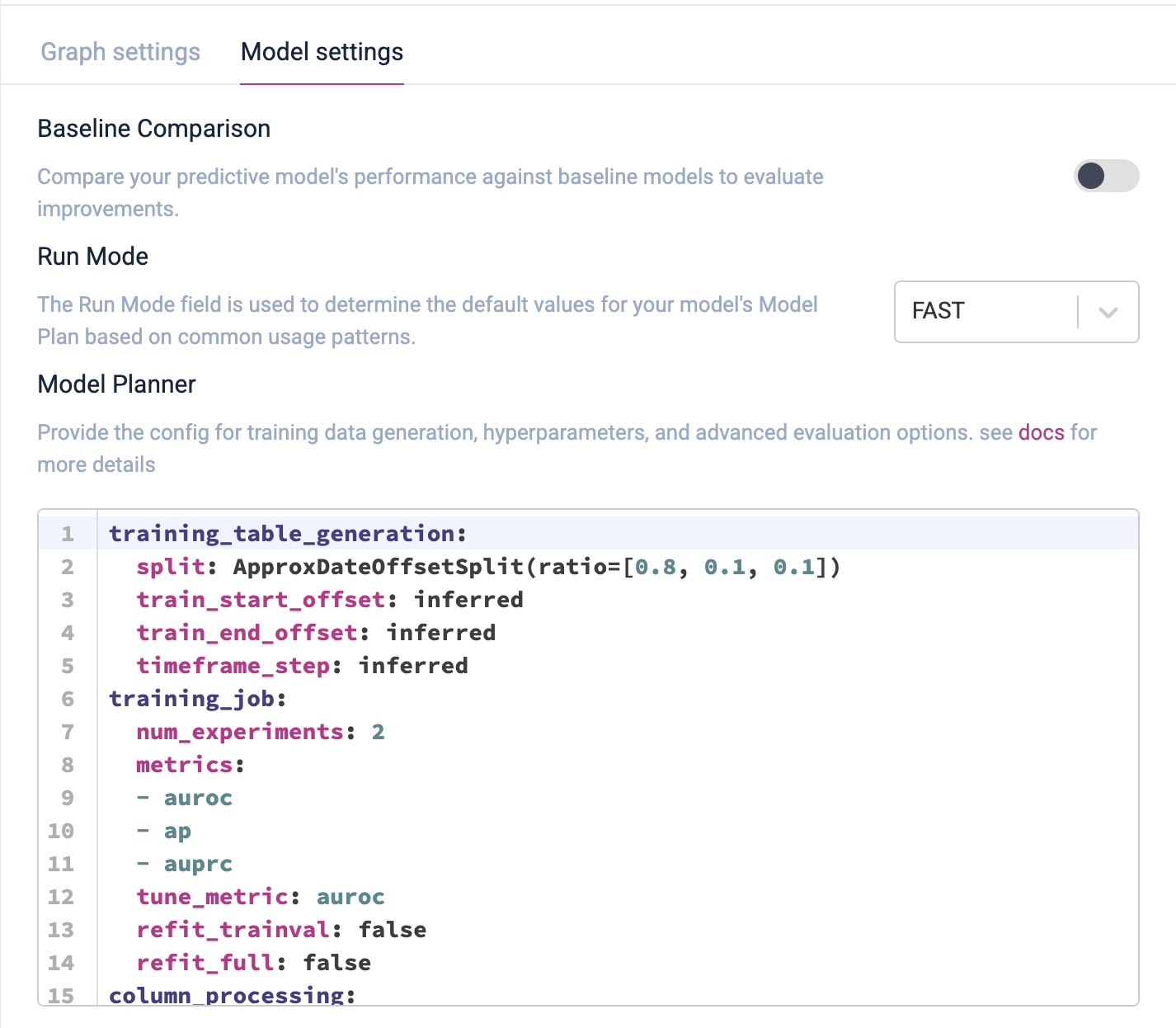
Before training, users can access **advanced model settings** to:
* Configure baseline and run mode.
* Adjust hyperparameters in the model plan.
* Modify training table generation settings.
By default, Kumo optimizes the model automatically, but advanced settings allow customization based on specific needs.
## Model Settings
Before training, users can access **advanced model settings** to:
* Configure baseline and run mode.
* Adjust hyperparameters in the model plan.
* Modify training table generation settings.
By default, Kumo optimizes the model automatically, but advanced settings allow customization based on specific needs.